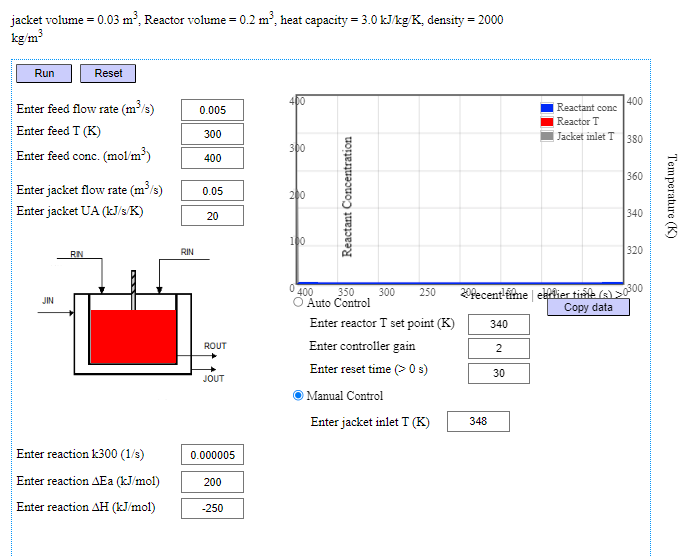
Continuous Stirred Tank Reactor 
Procedure
- Click on the Experiment tab SIMULATON will open the workspace
- Set the values as you required, the default values are already given.
- To start the simulation , you have to click Run button
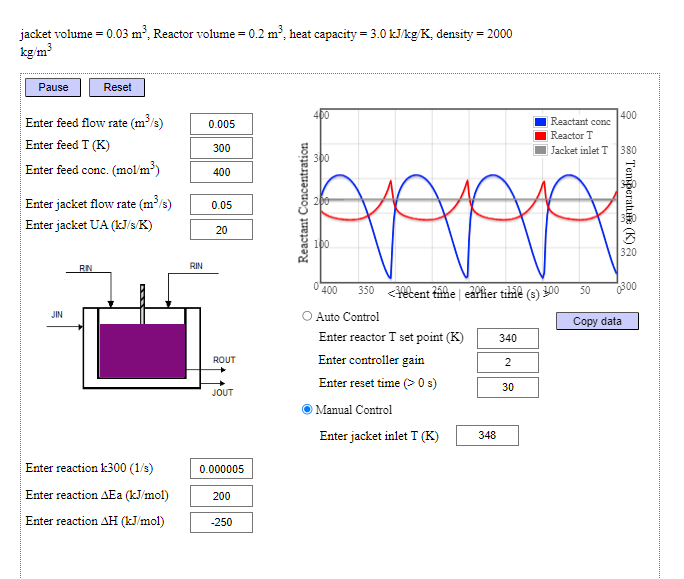
- Click Pause button to pause the simulation
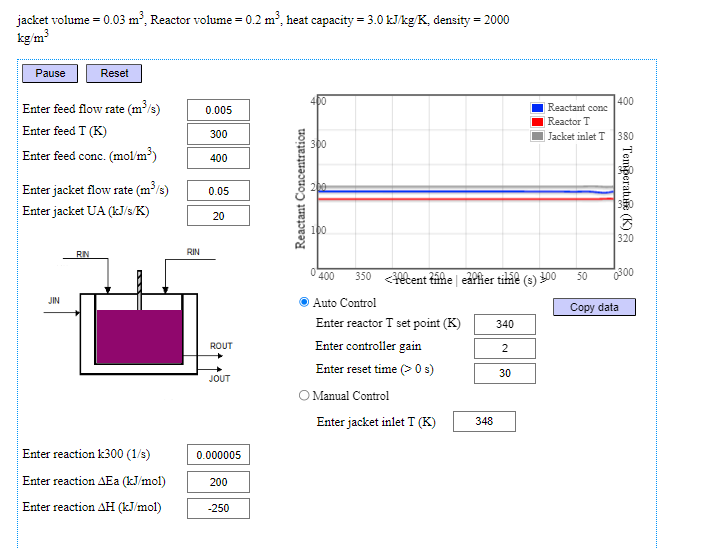
- Choose between Auto Control or Manual Control (Set as Defaut )
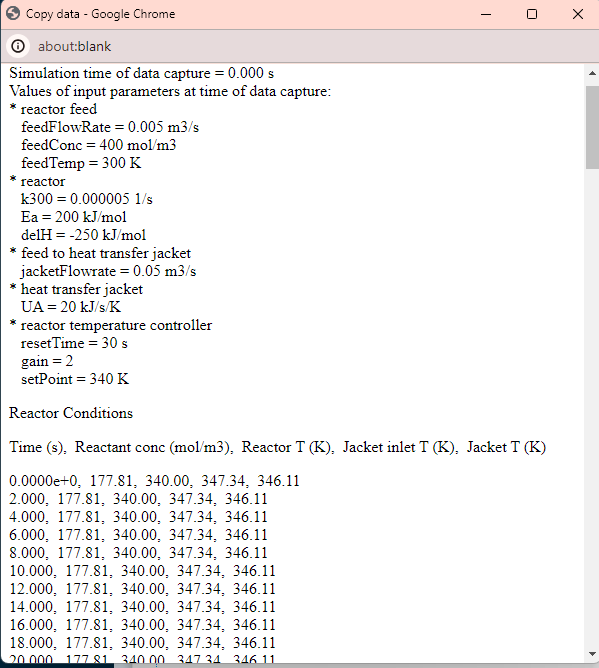
- To copy the simulation result, click Copy data button and select the values and pest on editor to save